What product data means on a submittal
Product data is the manufacturer's published information about a standard product: catalog cuts, data sheets, performance charts, installation instructions, color charts, wiring diagrams for packaged equipment and the test standards the product meets. The item exists before your project, and the submittal proves that the item you intend to buy is the one the spec describes. A door closer, a roof membrane, a paint system, a light fixture and a rooftop unit all start life as product data submittals.
The work in a product data submittal is selection, not drawing. The subcontractor picks the exact model, size, finish and options, highlights them on the cut sheet, crosses out what does not apply and shows how each spec requirement is met. A data sheet that lists six models with nothing marked tells the reviewer nothing, and it is one of the most common reasons a clean package still comes back.
What shop drawings mean on a submittal
Shop drawings are drawings, diagrams, schedules and details prepared by the contractor, a subcontractor or a fabricator to show how a specific part of the work will be fabricated and installed. They take the design intent in the contract documents and turn it into dimensions, connections, materials, sequences and coordination with adjacent work. Structural steel erection drawings, rebar placing drawings, curtain wall elevations and anchor details, duct layouts, fire sprinkler layouts, millwork elevations and hollow metal frame schedules are all shop drawings.
The key word is specific. A shop drawing exists only because this building exists. That is why it takes longer to prepare, why it needs field dimensions and coordination with other trades, and why the review is more careful. The reviewer is checking that the fabricator understood the design, not just that a product matches a list.
How the specification tells you which one it wants
In a specification written to the common three-part format, the answer sits in Part 1 of each section, usually in the article titled Submittals or Action Submittals (often 1.4 or 1.5, depending on the office master). The article lists each item with a lead word, and that lead word is the submittal type. Read it literally.
- "Product Data: For each type of product." means cut sheets for every product in the section.
- "Shop Drawings: Include plans, elevations, sections, and attachment details." means fabricator drawings for this project.
- "Samples: For each exposed finish." means physical samples, which are a third type and not covered by either of the other two.
- "Delegated-Design Submittal: For anchorage, signed and sealed by the qualified professional engineer." means engineering calculations, usually packaged with shop drawings.
Division 01 then sets the rules for all of them. Section 01 33 00 Submittal Procedures (sometimes 01 30 00 on older masters) states how many copies, what file format, how packages are numbered, how long the design team has to review, what the contractor must stamp before forwarding and what each review action means. A construction submittal process that ignores Division 01 is guessing.
Typical sections that ask for each type
The pattern is predictable once you have read a few hundred sections. The table below shows how common sections usually split. Always confirm against the actual project manual, because every design office edits its masters.
| Section | Product data | Shop drawings | Usually also asked |
|---|---|---|---|
| 03 30 00 Cast-in-Place Concrete | Admixtures, curing compounds, vapor retarder | Rebar placing drawings, when not split to 03 20 00 | Mix designs, test reports |
| 05 12 00 Structural Steel Framing | Shop primer, high-strength bolts | Erection and detail drawings | Welding certificates, mill test reports |
| 07 54 23 TPO Roofing | Membrane, insulation, fasteners, adhesives | Roof plan with layout and details | Samples, warranty, manufacturer approval letter |
| 08 11 13 Hollow Metal Doors and Frames | Door and frame construction | Frame elevations and schedules | Samples of finish when factory finished |
| 08 71 00 Door Hardware | Each hardware item | Hardware schedule, keying schedule | Templates, warranties, O&M data |
| 09 91 23 Interior Painting | Each paint product | Not usually required | Color samples, field mockup |
| 23 31 13 Metal Ducts | Sealants, hangers, accessories | Duct layout drawings | Coordination drawings, test reports |
| 23 05 93 Testing, Adjusting, and Balancing | Instruments list | Not usually required | Qualifications, strategies, final TAB report |
Notice that door hardware asks for both product data and a hardware schedule. The schedule is treated as a shop drawing in most masters because it is prepared for this building, opening by opening. Missing that second line is a classic gap in a log typed by hand. For more type by type rows, the construction submittals examples article shows how each one reads in a register.
Product data and shop drawings side by side
When a sub asks which one you need, this comparison is usually enough to settle it.
| Question | Product data | Shop drawings |
|---|---|---|
| Who prepares it | Manufacturer publishes, sub selects and marks up | Sub, fabricator or detailer prepares for this project |
| What it shows | A standard product and its properties | How custom work is made and installed here |
| Typical content | Cut sheets, data sheets, charts, installation instructions | Plans, elevations, sections, details, schedules, calcs |
| Needs field dimensions | Rarely | Often |
| Coordination with other trades | Limited | Central to the review |
| Typical preparation time | Short | Longer, often the driver of fabrication lead time |
| Common review stamp issues | Wrong model, options not marked, missing standards | Dimensions, connections, clearances, deviations from design |
| Classification | Action submittal | Action submittal |
Both are action submittals: the design team reviews them and returns a stamp, and work does not proceed on that item until the stamp allows it. That separates them from informational submittals such as qualification data or field test reports, which are filed for record. If that split is new to you, read types of submittals in construction before you start numbering anything.
What reviewers check on product data
An architect or engineer reviewing product data is answering one question: does this product meet the specification and fit the design. In practice the check runs through a short, repeatable list.
- The manufacturer is one of those listed, or a substitution request was approved.
- The exact model, size, rating and finish are marked, and nothing ambiguous is left on the sheet.
- Performance values (fire rating, wind uplift, STC, efficiency, load capacity) meet or exceed the spec paragraph.
- Referenced standards (ASTM, UL, ANSI/BHMA grades) are shown on the data sheet or a certificate.
- Accessories and options required elsewhere in the section are included.
- The contractor's review stamp is on the package, showing the GC checked it before forwarding.
What reviewers check on shop drawings
Shop drawing review is slower because the reviewer is checking interpretation, not just compliance. The questions change with the trade, but the core is the same.
- Dimensions and layout agree with the contract drawings and, where noted, with verified field dimensions.
- Connections, anchorage and supports match the design, or a delegated design calculation backs them up.
- Clearances, access and coordination with structure, ceilings and other trades are resolved, not left as notes.
- Every deviation from the contract documents is clouded and listed, not hidden in a detail.
- Materials and finishes called out on the drawings match approved product data.
- Sheet index, revision blocks and references are complete, so the next revision can be compared line by line.
Reviewers also expect the shop drawing and its product data to arrive together or to reference each other. A curtain wall shop drawing that shows a glass type with no approved glass product data creates a loop that ends in two resubmittals instead of one. The shop drawings construction page goes deeper into how drawing packages move through review.
Common mistakes that send packages back
Most returned packages have nothing to do with the quality of the product or the drawing. They come back because the package does not answer the question the spec asked. These are the mistakes a reviewer sees every week.
- Sending product data when the spec asked for shop drawings, typically for items that look standard but are fabricated, such as hollow metal frames or stair railings.
- Sending shop drawings without the product data they rely on, so the reviewer cannot check the materials shown.
- Cut sheets with nothing highlighted, or with options for three different products left visible.
- A combined package for an entire section when Division 01 asks for one package per type or per system.
- No contractor review stamp, which many specs treat as grounds to return the package unreviewed.
- Deviations that are not called out, which the reviewer finds later and treats as a reason to distrust the whole package.
- Old revisions attached by mistake, because files were collected from email threads instead of a single record.
Each of these is cheap to catch before submission and expensive to catch after. The package goes back to the sub, the clock restarts, and the review time in Division 01 runs again. Our article on revise and resubmit submittal cycles covers how to stop that loop.
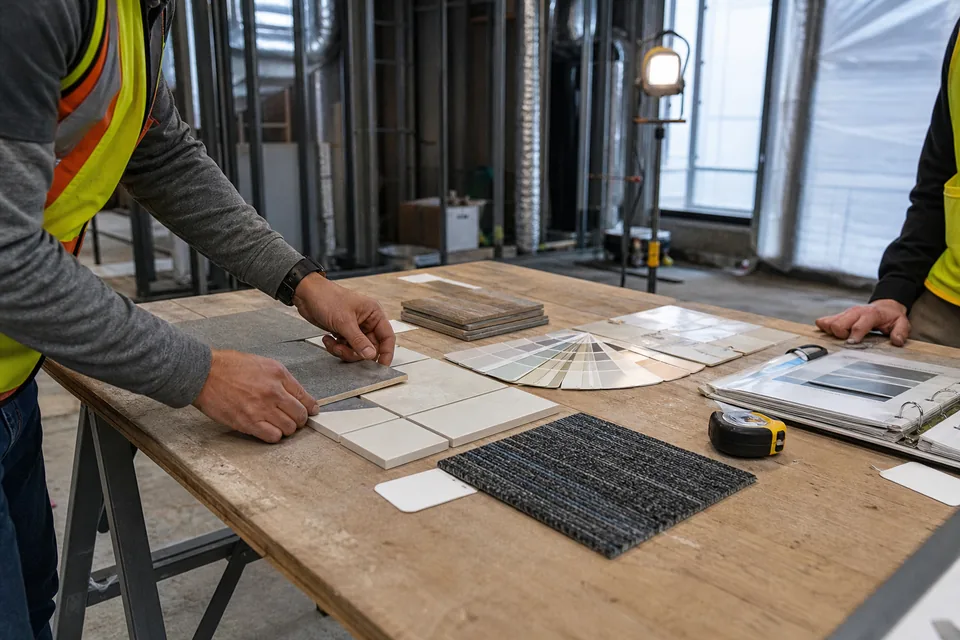
Samples deserve a mention here, because they are neither product data nor shop drawings, and they need a separate line because they are often lumped into product data in hand-typed logs. A sample is the physical material: a paint drawdown, a carpet piece, a brick panel, a laminate chip, a hardware finish. The spec usually asks for samples in their own paragraph, sometimes with a required size or number of sets, and the review is visual. If your register has one row for "Product data and samples" on a finishes section, split it. The sample often has a longer lead time than the data sheet, and it is the one the architect wants to see in person.
How to track both types in one register
The cleanest logs give every required item its own row with the type stated, the spec paragraph it came from and a number that will survive resubmittals. A good habit is to number by section, then by sequence, then by revision, for example 087100-001 for door hardware product data, 087100-002 for the hardware schedule and 087100-002-R1 for its first resubmittal. The type column then tells everyone at a glance whether a reviewer is checking a catalog cut or a fabricator's drawing.
- One row per item and type, even when they travel together in one package.
- Paragraph reference on every row (for example 08 71 00, 1.4.B), so anyone can open the spec and read the requirement.
- Responsible company and reviewer set at buyout, not when the package is due.
- Required-on-site date and lead time on shop drawing rows, because fabrication waits for the stamp.
Submittal does this from the spec itself. You upload the project manual, the AI reads Part 1 of every section, and the submittal register comes back with one row per required item, the type set to product data, shop drawings, samples or the closeout types, and each row linked to the paragraph it came from. You then group rows into packages, attach files and route them through review with the stamps your Division 01 uses. The submittal log keeps every revision, stamp and comment, so the next reviewer sees why a shop drawing came back last time.
Frequently asked questions
Are shop drawings a type of submittal?
Yes. Shop drawings are one of the standard action submittal types, alongside product data and samples. They are reviewed by the design team and returned with a stamp before fabrication starts on that item.
Can one package include both product data and shop drawings?
Often it can, and for items like door hardware or curtain wall it helps the reviewer. Check Division 01 first, because some projects require separate packages per type. Either way, keep separate rows in the log so each type has its own status.
Who is responsible for checking shop drawings before they go to the architect?
The general contractor. Most specifications require the contractor to review, coordinate and stamp shop drawings before forwarding them, and a package without that stamp can be returned without review.
What if the spec does not ask for shop drawings on a section?
Then do not invent a requirement, but read the drawings and the section's Part 2 for fabricated items. If something is clearly custom and nothing covers it, raise a request for information early rather than fabricating without any review.